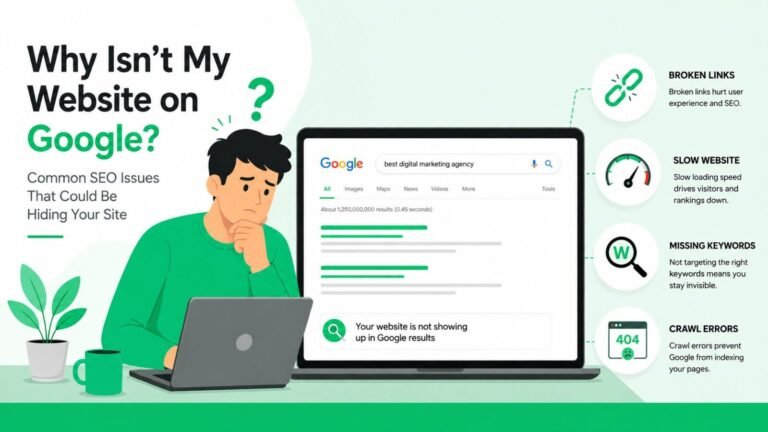


You can publish content, build links, and optimize keywords yet your website still struggles to appear on Google. In many cases, the real problem isn’t content quality. It’s hidden technical SEO blocks that prevent Google from properly crawling, rendering, indexing, and trusting your pages.
Google ranks what it can access, understand, and evaluate. When technical barriers interrupt this process, your visibility drops silently. This guide uncovers the most overlooked technical SEO issues that suppress rankings and shows you how to fix them.
If your entire website is struggling to appear in search results, start with this complete guide on why websites fail to rank on Google.
1) Crawl Barriers That Stop Googlebot
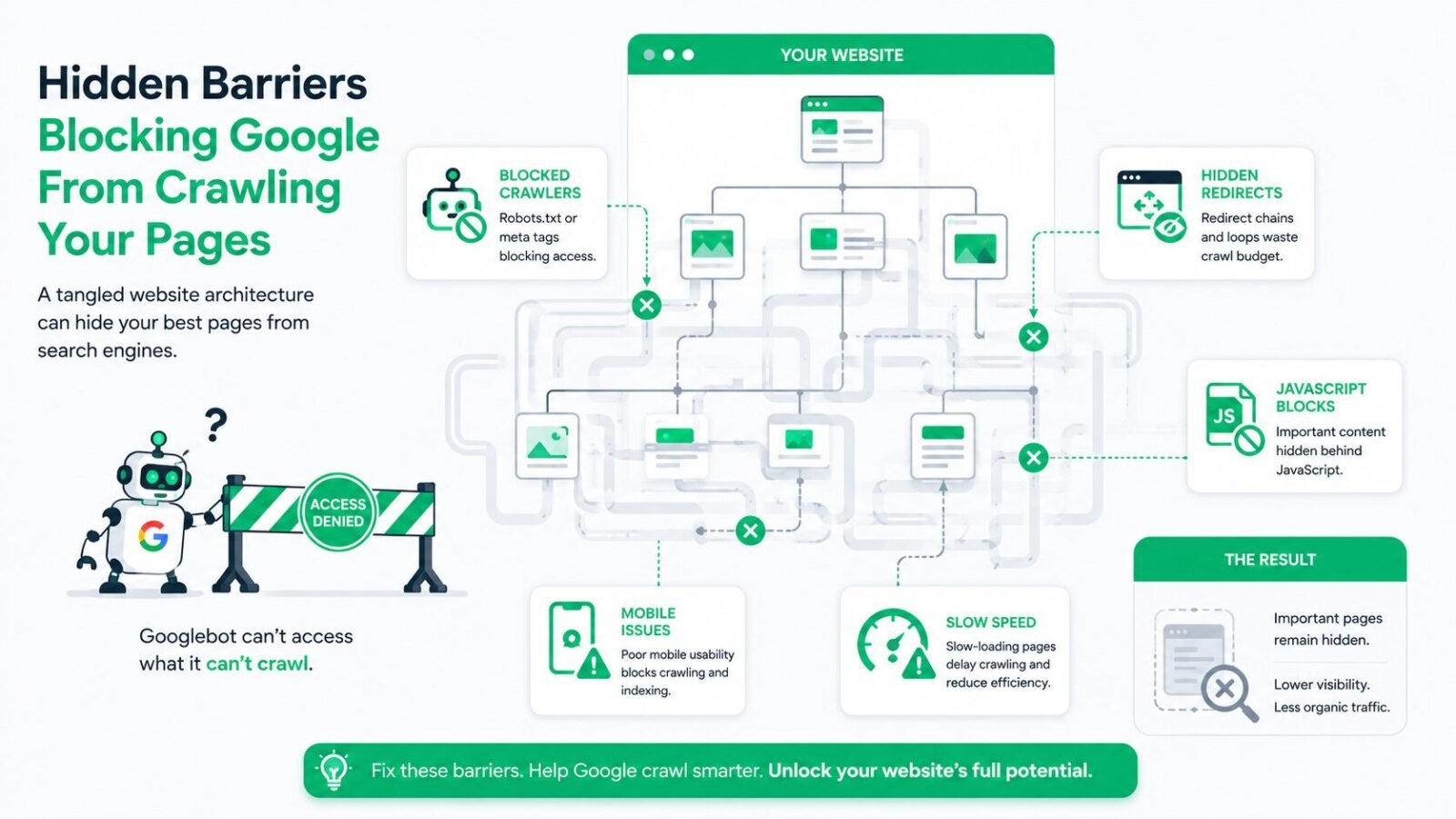
If Googlebot cannot crawl your pages efficiently, your rankings will suffer no matter how good your content is.
Crawl issues are one of the primary reasons websites never appear in Google results. These problems are explained in detail in our guide on why websites don’t show up on Google.
Common crawl barriers include:
- Incorrect robots.txt rules blocking important folders
- Broken internal links leading to 404 pages
- Deep page depth (important pages 4–5 clicks away)
- JavaScript-heavy pages Google struggles to render
- Infinite URL parameters wasting crawl budget
Fix:
Audit your site with Google Search Console and a crawler tool. Ensure important pages are within three clicks from the homepage and not blocked by robots.txt.
2) “Discovered Currently Not Indexed” Problem
This is one of the most frustrating issues in Search Console. Google knows the page exists but refuses to index it.
Reasons include:
- Thin or duplicate content
- Weak internal linking
- Low perceived value
- Poor crawl signals
- Improper canonical tags
Fix:
Improve content depth, add internal links from relevant pages, and verify canonical tags point correctly.
3) Rendering Issues from JavaScript and CSS
Modern websites rely heavily on JavaScript frameworks. But Google still struggles to render some JS content properly.
If key content, links, or metadata load after scripts execute, Google may not see them.
Fix:
Use server-side rendering or ensure critical SEO content loads in the initial HTML response.
4) Site Speed and Mobile Usability Failures
Google uses mobile-first indexing. If your site is slow or poorly optimized for mobile, visibility drops.
Technical speed killers:
- Uncompressed images
- Excessive scripts
- Poor hosting response time
- No caching or CDN
Fix:
Run PageSpeed Insights. Optimize images, enable caching, and use quality hosting.
5) XML Sitemap and Index Signals Mismatch
Many sites submit sitemaps that contain:
- No index pages
- Redirected URLs
- 404 pages
- Non-canonical URLs
This confuses Google and wastes crawl effort.
Fix:
Keep only indexable, canonical URLs in your sitemap and resubmit in Search Console.
6) Internal Linking Gaps and Orphan URLs
Orphan pages receive no internal links, making them hard for Google to find and rank.
Orphan pages are a hidden reason many websites remain invisible in search engines.
Fix:
Ensure every important page is linked from at least one relevant page. Use descriptive anchor text.
7) Duplicate and Canonical Confusion
When multiple URLs show similar content, Google struggles to decide which one to rank.
Examples:
- HTTP vs HTTPS versions
- WWW vs non-WWW
- Parameter URLs
- Category/tag duplicates
Fix:
Implement proper canonical tags and consistent URL structure.
8) Crawl Budget Waste on Low-Value Pages
Google assigns limited crawl resources. If wasted on filters, tags, or archives, important pages get ignored.
Fix:
Noindex low-value pages and block unnecessary parameters in robots.txt.
9) Security and HTTPS Issues
Mixed content (HTTP resources on HTTPS pages) reduces trust signals.
Fix:
Ensure all resources load securely over HTTPS.
10) Log File Signals (Advanced Insight)
Your server logs reveal how Googlebot actually crawls your site. Many important pages are rarely visited due to poor structure.
Fix:
Analyze log files to see crawl frequency and improve internal linking to key pages.
Quick Technical SEO Checklist
- Important pages crawlable?
- Pages indexed?
- Site mobile-friendly and fast?
- Clean sitemap?
- No orphan pages?
- Correct canonicals?
- No crawl traps?
If you fail in even two of these, rankings will struggle.
FAQs
1. What is the most common technical SEO issue that affects rankings?
Crawl and indexing problems are the most common. If Google cannot access or index your pages, they will never rank.
2. How do I know if Google is crawling my website properly?
Use Google Search Console and check crawl stats and coverage reports for errors.
3. Can JavaScript affect my SEO rankings?
Yes. If important content loads via JavaScript after page load, Google may not see it.
4. How often should I check my technical SEO health?
A basic check monthly and a deep audit every 3 to 6 months is recommended.
5. Do sitemaps directly improve rankings?
No, but they help Google discover and prioritize important pages for crawling and indexing.